From Sketch to Floor Plan: How AI Speeds Up Architectural Planning
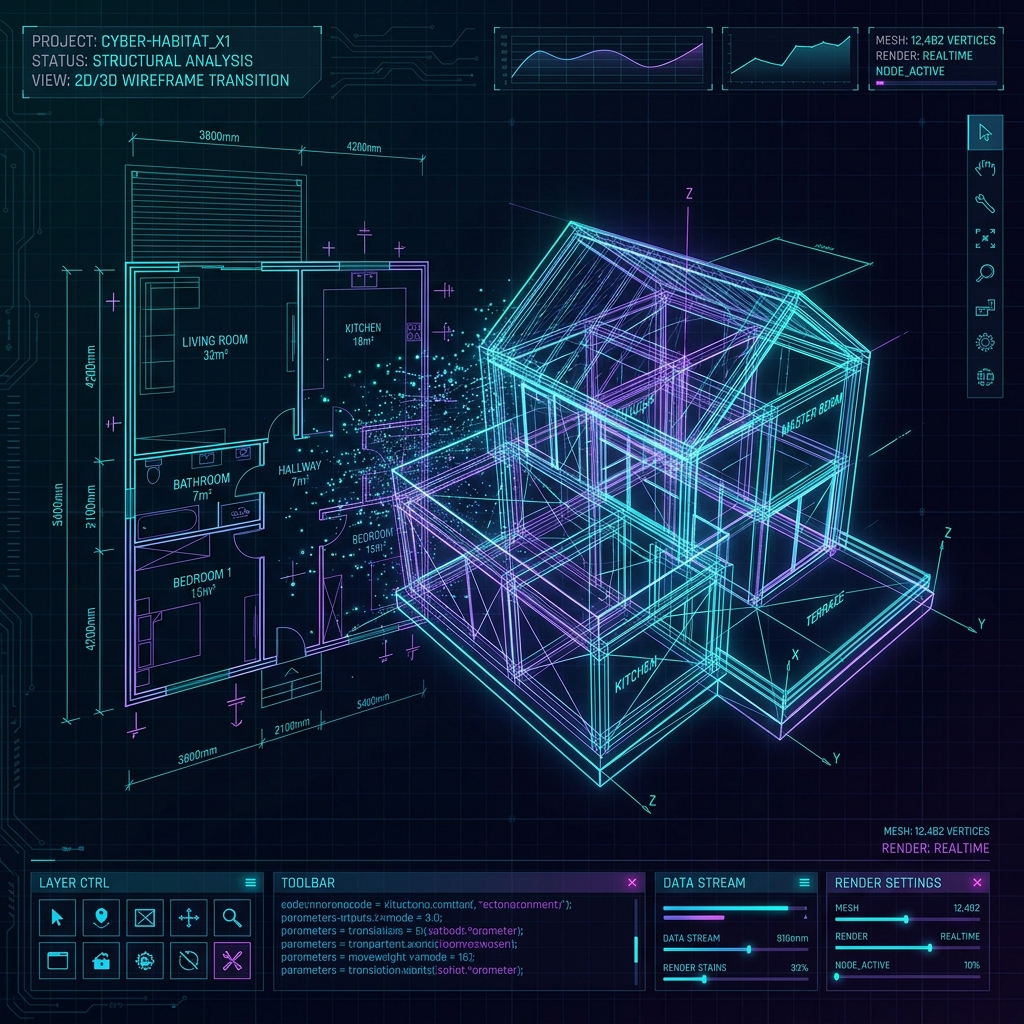
AI sketch-to-floor-plan technology converts raw hand-drawn drawings and structural outlines into vector 2D layouts and fully rendered 3D space plans instantly. This process removes repetitive draft phases, accelerating early-stage pre-construction design by a wide margin.
The Machine Vision Behind Sketch Conversion
By using neural networks trained on thousands of architectural drafts, the AI identifies drawn lines as walls, circles as columns, and gaps as doors. It cleans up crooked lines and aligns wall junctions automatically to form a watertight model.
Accelerating Client Feedback and Iteration Loops
Architects and builders typically spend weeks going back and forth with clients on layout adjustments, averaging 4 to 6 revision cycles. AI tools let you make adjustments live in the browser, lowering drafting times by 80 percent. Build your layout dynamically in the floor plan wizard.
Exporting Plans to CAD and Estimating Pipelines
Once the sketch is converted into a structured vector file, it can be exported directly to AutoCAD or fed into a cost estimator to generate a matching Bill of Quantities. This creates a seamless flow from initial pencil sketch to final budget. Learn more in our guide on how AI estimation works.
Frequently Asked Questions (FAQ)
- Can I upload a picture of a hand-drawn sketch?
- Yes, the layout converter processes JPEG, PNG, and PDF formats, detecting dimensional annotations automatically.
- Does the AI align columns and load-bearing walls?
- Yes. The spatial engine applies standard safety engineering spans to place columns aligned with key load points.
- Can I make adjustments after the AI generates the plan?
- Yes, the project dashboard includes a 2D canvas designer where you can drag walls, resize rooms, and add structural items easily.